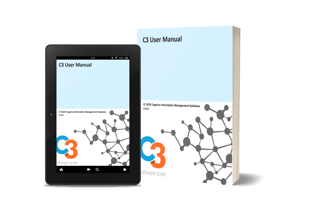

To learn other features, functionalities, configurations, and more. Please preview and download the C3 User Manual ⤓Cogniva C3 Intelligent Semantic AI Information Governance Solution


C3 for MS 365 Office Online Tutorial Videos


  • This training video gives an overview of the different functionalities of the C3 Classifier.


  • This training video focuses on the exposure and hiding of the C3 Classifier by the end-user.


  • This training video focuses on how an end-user can route a document using the metadata that they have applied to this document.


  • This training video focuses on tagging a document with C3 Classifier, specifically how the end end-user can use the autoclassification feature.
  • This training video focuses on overriding business rules when tagging a document using the C3 Classifier.


  • This training video focuses on selecting and deselecting metadata when tagging a document with the C3 Classifier.


  • This training video focuses on adjusting C3 Classifier parameters, specifically on how the end-user can change the display language in the C3 Classifier.


  • This training video focuses on the adjustment of some of the C3 parameters, and more specifically on the user's default configuration.


  • This training video focuses on the adjustment of C3 parameters, and especially the way the end end-user creates favourites.